A topic where you can show everybody what your PC setup looks like, starting out with mine.


Started by Trap Boy,
A topic where you can show everybody what your PC setup looks like, starting out with mine.
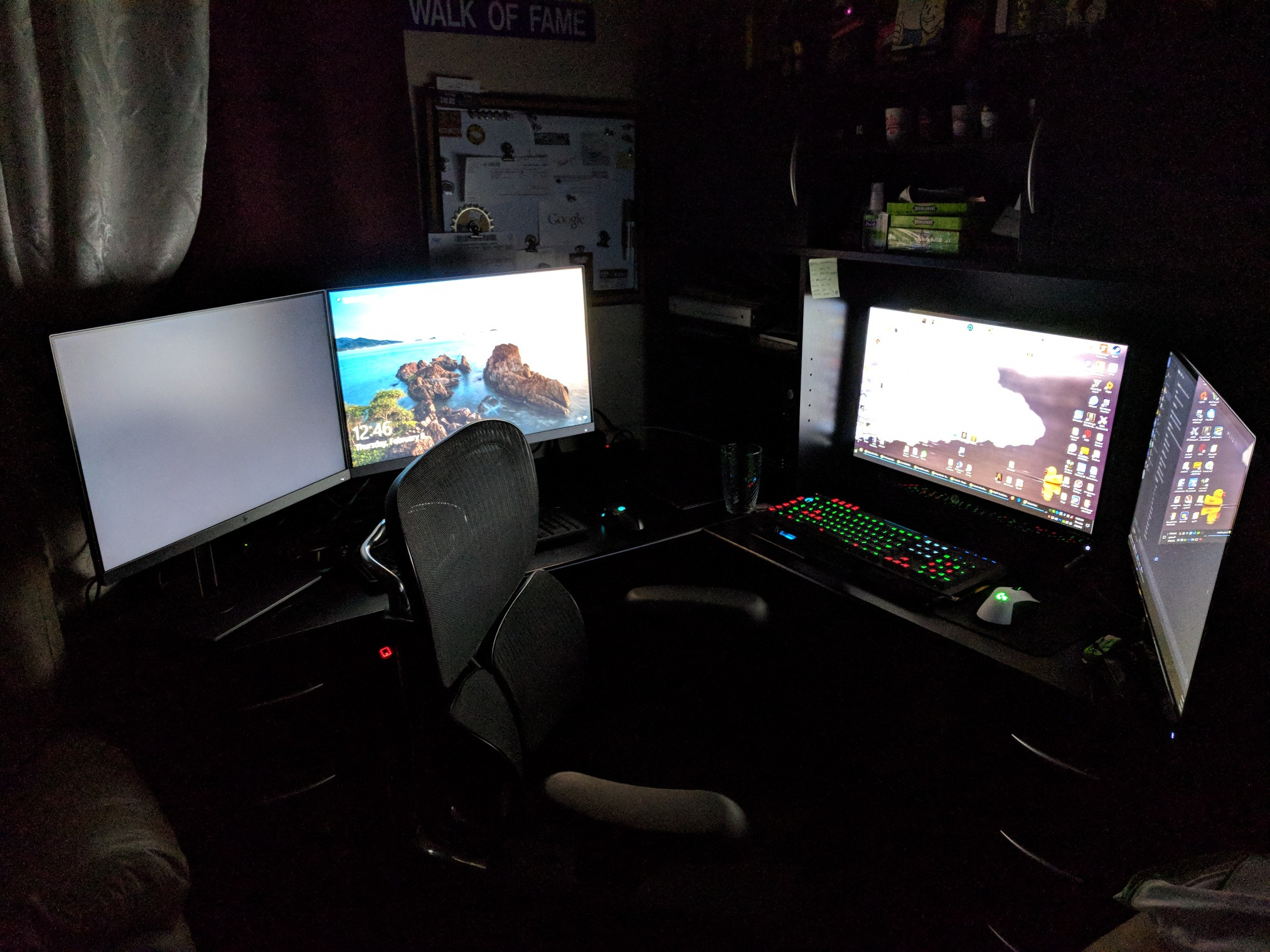
Rookie numbers, you need more monitors bro

Intel Core I5 4460
GTX 970
1TB HDD
250 SSD
8GM RAM
SAMSUNG 28inch Curved Monitor 1080P
HyerXGaming Cloud Headset 2.
https://www.hyperxgaming.com/en/headsets/cloud-gaming-headset
http://www.lg.com/sa_en/tvs/lg-55UJ651V
rich ass motherfuckers

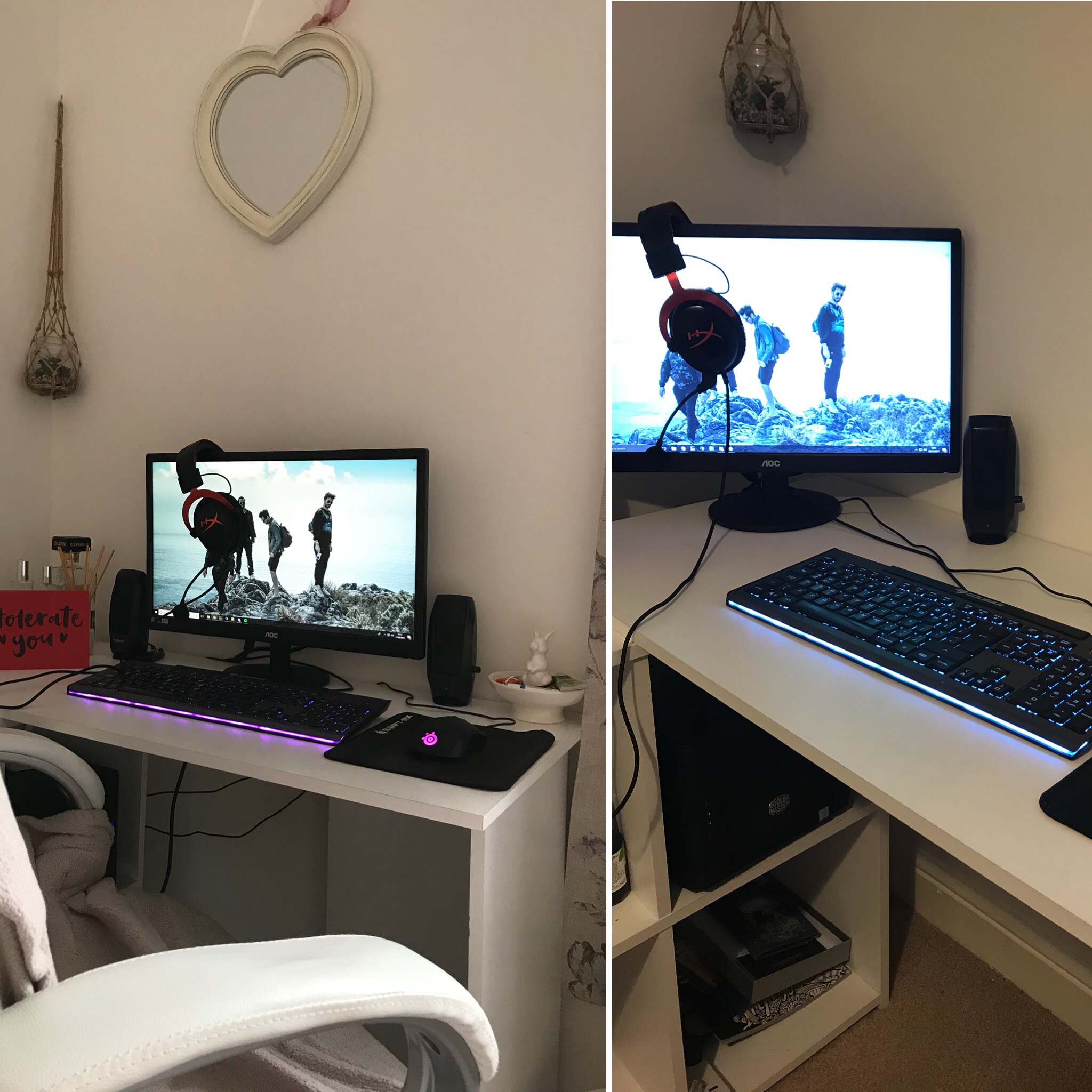
I need a bigger desk (the one on the right was my original and it hurt my eyes less but apparently the fact my screen was on an angle was bad, eyeroll
wtf you all have amazing set ups
1 minute ago, Koky said:wtf you all have amazing set ups
ikr these niggas
rich boys
3 hours ago, BravoMan said:Rookie numbers, you need more monitors bro
Four monitors? Heck do you need four for?!
A budget build, nothing fancy, clusterfuck of cables behind the table which I managed to arrange a bit xD.
i3 7100 3.9Ghz
8GB RAM
RX 470 Sapphire NITRO+ OC
1000GB HDD WD
650W Corsair Smth


Second setup:

7 hours ago, Finch said:
Four monitors? Heck do you need four for?!
Two monitors on the left side are for work and the two monitors on the right side are for my gaming computer.
5 hours ago, BravoMan said:Two monitors on the left side are for work and the two monitors on the right side are for my gaming computer.
Ah right, what d’ya do for work?

Nothing too fancy.
2 hours ago, Finch said:
Ah right, what d’ya do for work?
Remote Desktop Support, dealing with technical issues that can be resolved remotely.
31 minutes ago, BravoMan said:Remote Desktop Support, dealing with technical issues that can be resolved remotely.
Oh cool, fair enough then!
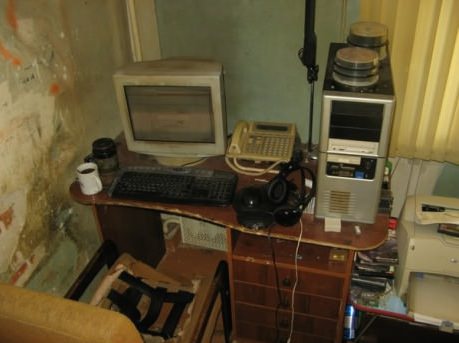
Third World Setup.

Wtf, I only have one monitor :(
Base
-----
CPU: Intel Core i7-7700k
MB: Gigabyte ATX Intel LGA 1151 (6Gbit/s) (USB 3.1) (DDR4)
RAM: Installed 16GB
*GPU: NVIDIA GeForce GTX 960
PSU: Corsair CX750M, 750W, 80+ Bronze Certified
INFO: Liquid Cooled, Corsair Hydro Series, H100i v2 240mm Radiator, Dual 120mm PWM


Drives
-----
Boot Drive: 118.80GB SSD
Storage Drive: WD 2TB 3.5in 6GB/s SATA
*OD: N/A


Accessories
-----
OS: Windows 10 Pro
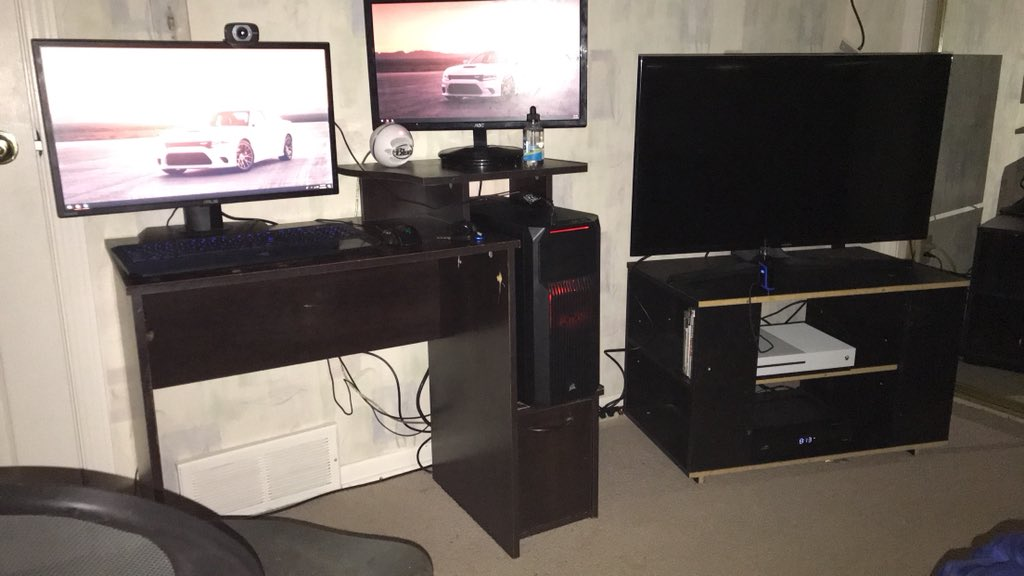
Monitors (3/4): ASUS VG245H (1920x1080) | Unknown (ASUS) | Samsung TV | N/A
Keyboard: Razer Deathstalker Chroma
Mouse: Razer Taipan
Microphone: Blue Snowball
Headphones: Beats Solo Wireless by Dr. Dre


* = Next for upgrade.
In desperate need of a new desk and chair. I included my TV because it is my 3rd monitor that I use to play PC games like GTA V and GH. Also, I have fucking 6 total fans on top of liquid cooling. Don't ask me how I ended up with 6 I barely know myself. Was built this year.
