Something everyone can post in without making a showroom.
[SHW/WIP] General Thread of your recent skins
Started by Exodus,
WIP Ocean Flats env mod
Looks Good Man!!


no idea wut im doing
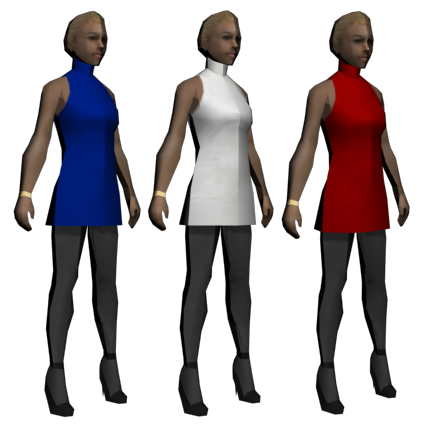
red's my fav but im gonna go with a black dress probably. later on ill also make some more changes to the stockings
This should be pinned, I'll be posting here a little further into the future.
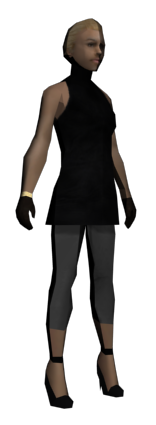
added heels to wfyst, no clue what to do next tho
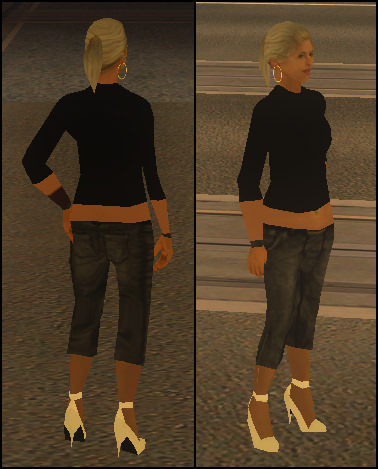
First object attachment in 3 years and I succeeded from the first try, woohoo
On 18/10/2017 at 6:43 AM, Exodus said:WIP Ocean Flats env mod


I'd love to see more of that.
Anyone have any tips for mapping new pants?
30 minutes ago, Akiba said:Anyone have any tips for mapping new pants?
Can you be more specific Akiba? UVW mapping of pants, or just in general?
Typically when I'm dealing with the mapping of pants I like to use the "Relax" feature of UVW Unwrap as it helps quite a lot. Pants are also notably easier to map when done in two's, e.g. front and back side being done separately instead of all at once.
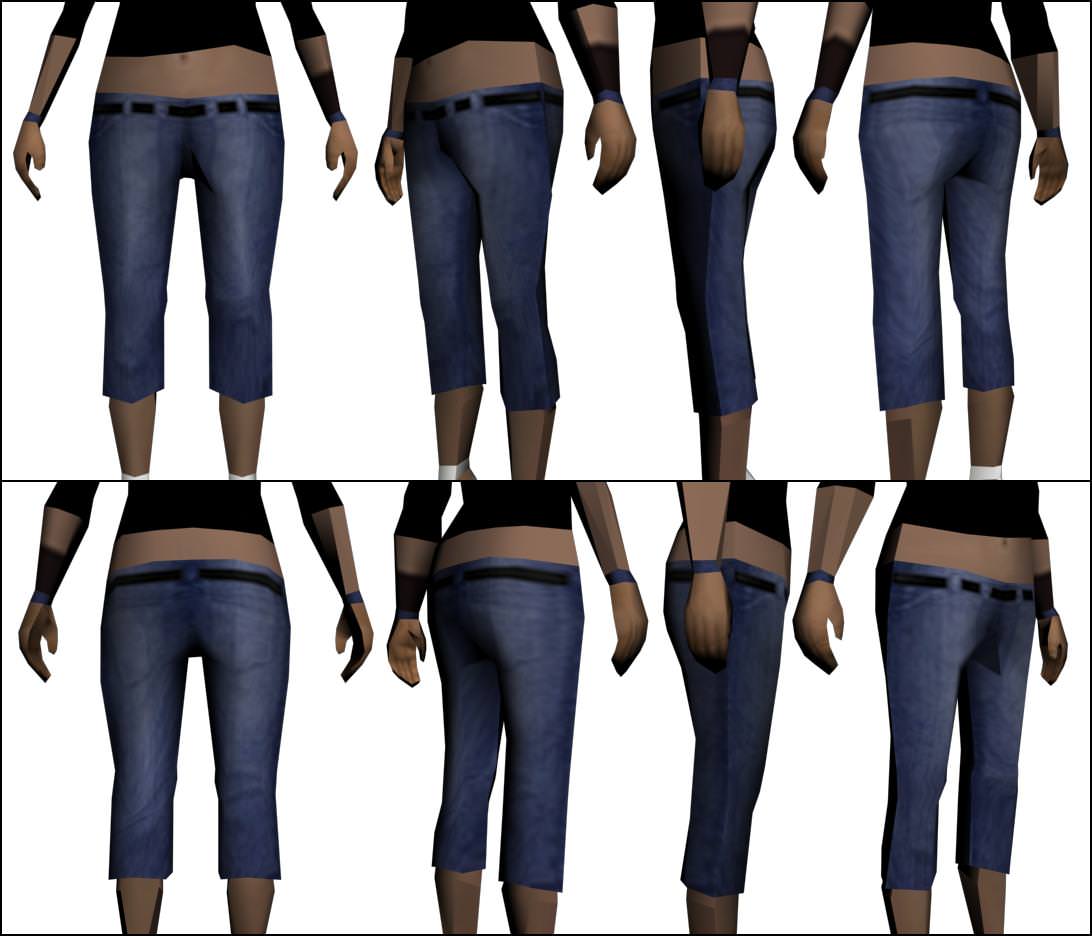
Oh sorry I didn't explain it very well. What kind of image do you look for on google, I can never make the pants look right when I UVW map some jeans on google.

First time making "custom" face textures from GTA textures and editing.
5 minutes ago, Akiba said:Oh sorry I didn't explain it very well. What kind of image do you look for on google, I can never make the pants look right when I UVW map some jeans on google.
Typically the first thing I do is look for GTA-made textures. The more"low quality" your textures are, the more fitting they are for the game, so resorting to Google images should be a last step imo. Either way, when searching on the web I typically include "texture" in my searches, that ensures that I don't skip on any textures that previous modders made. For example I wanted to try and make a Gucci belt yesterday, so I searched for "gucci texture", etc. Not all images are fit to be placed on mods though, some don't have the right perspective, that's why I don't use everyday images from Google.
Those are tight, @Simeon.

Crip
16 hours ago, Simeon said:
First time making "custom" face textures from GTA textures and editing.
That's white.
19 hours ago, Conspiracy said:
Typically the first thing I do is look for GTA-made textures. The more"low quality" your textures are, the more fitting they are for the game, so resorting to Google images should be a last step imo. Either way, when searching on the web I typically include "texture" in my searches, that ensures that I don't skip on any textures that previous modders made. For example I wanted to try and make a Gucci belt yesterday, so I searched for "gucci texture", etc. Not all images are fit to be placed on mods though, some don't have the right perspective, that's why I don't use everyday images from Google.
What site do you refer to/search to find those GTA-made textures?
1 minute ago, Templar said:What site do you refer to/search to find those GTA-made textures?
My gta3.img, silly, I look up the skins here though: http://wiki.sa-mp.com/wiki/Skins:All