This mod offers the user a high quality, detailed in-game map of San Andreas, with names of famous places and neighborhoods written on it. Click on the pictures on your left for a closer look. As far as I know, almost all San Fierro place names in this mod are in accordance to GTA lore. Installing this is simple and easy, you can either do it through gta3.img or via Modloader. Enjoy.
You're gonna have to call me a noob, but can I get some clarification on how to install it? "Installing this is simple and easy, you can either do it through gta3.img or via Modloader. Enjoy." doesn't cut it for me, I'm kinda' new to all this stuff, lol. Thanks in advance.
You're gonna have to call me a noob, but can I get some clarification on how to install it? "Installing this is simple and easy, you can either do it through gta3.img or via Modloader. Enjoy." doesn't cut it for me, I'm kinda' new to all this stuff, lol. Thanks in advance.
You will need to download that and install the modloader to your GTA directory. Basically how you do it is you just move all the files inside that folder to your directory.
After you do that, it's pretty much plain simple, any mod file you put into that folder is going to be automatically loaded in game. You can either sort these out for yourself, make a folder called "Map mod" and put all these files into that folder, which is still going to work, but it's nice and organized, and you can make such folders for any mod you put in, incase something goes wrong and you need to remove it.
Modloader works if you are currently in the game, which is the most amazing feature if you ask me. You can disable and enable your mods in ESC (pause). Also when you put a fresh mod into the modloader folder it will automatically be put ingame without having to relog for the effect to start. Also when you delete it from said folder, it will be removed automatically without having to relog..
Hope this helps, if you have any issue, you can feel free to send me a PM and i'll help you out. :)

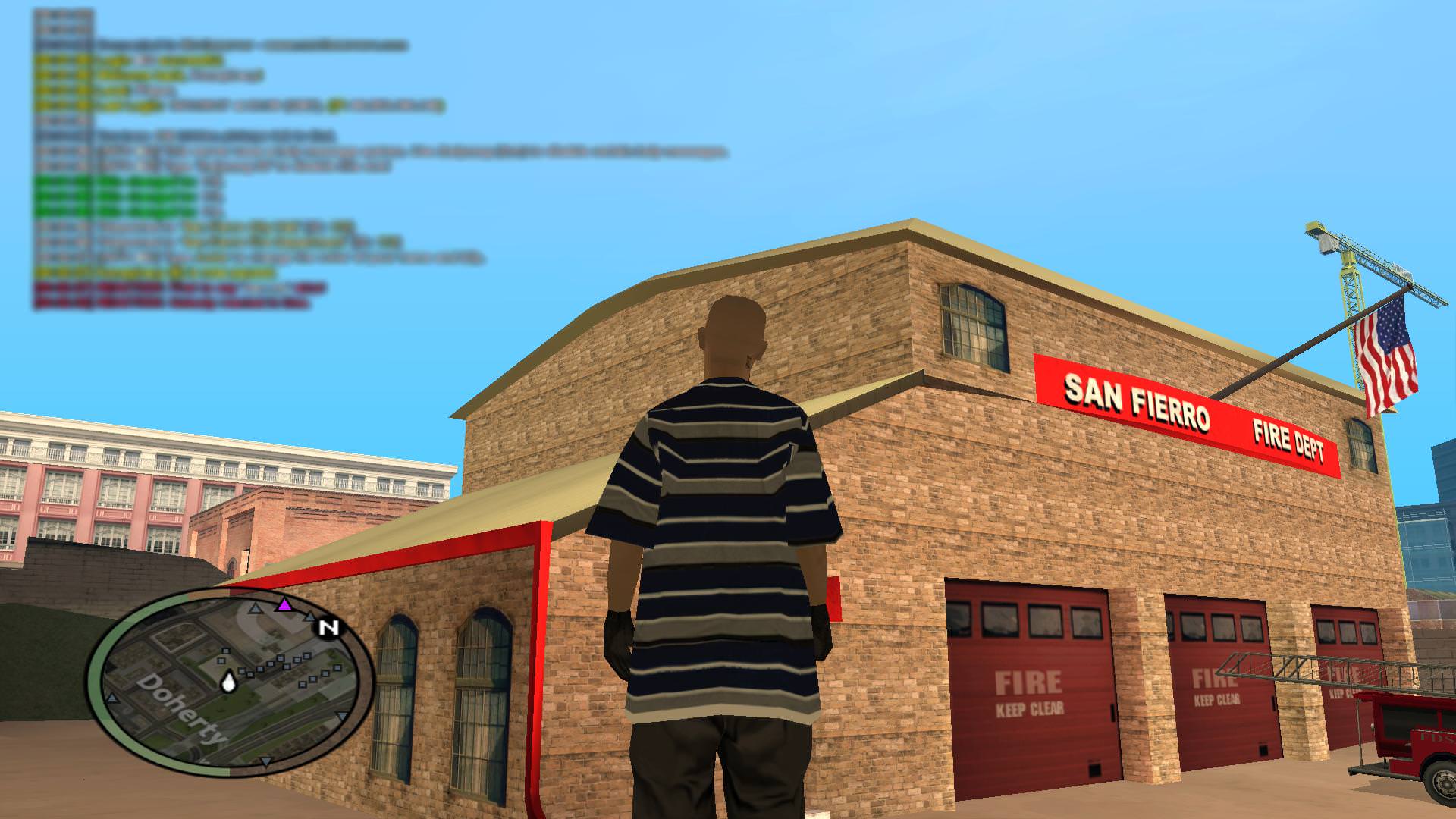
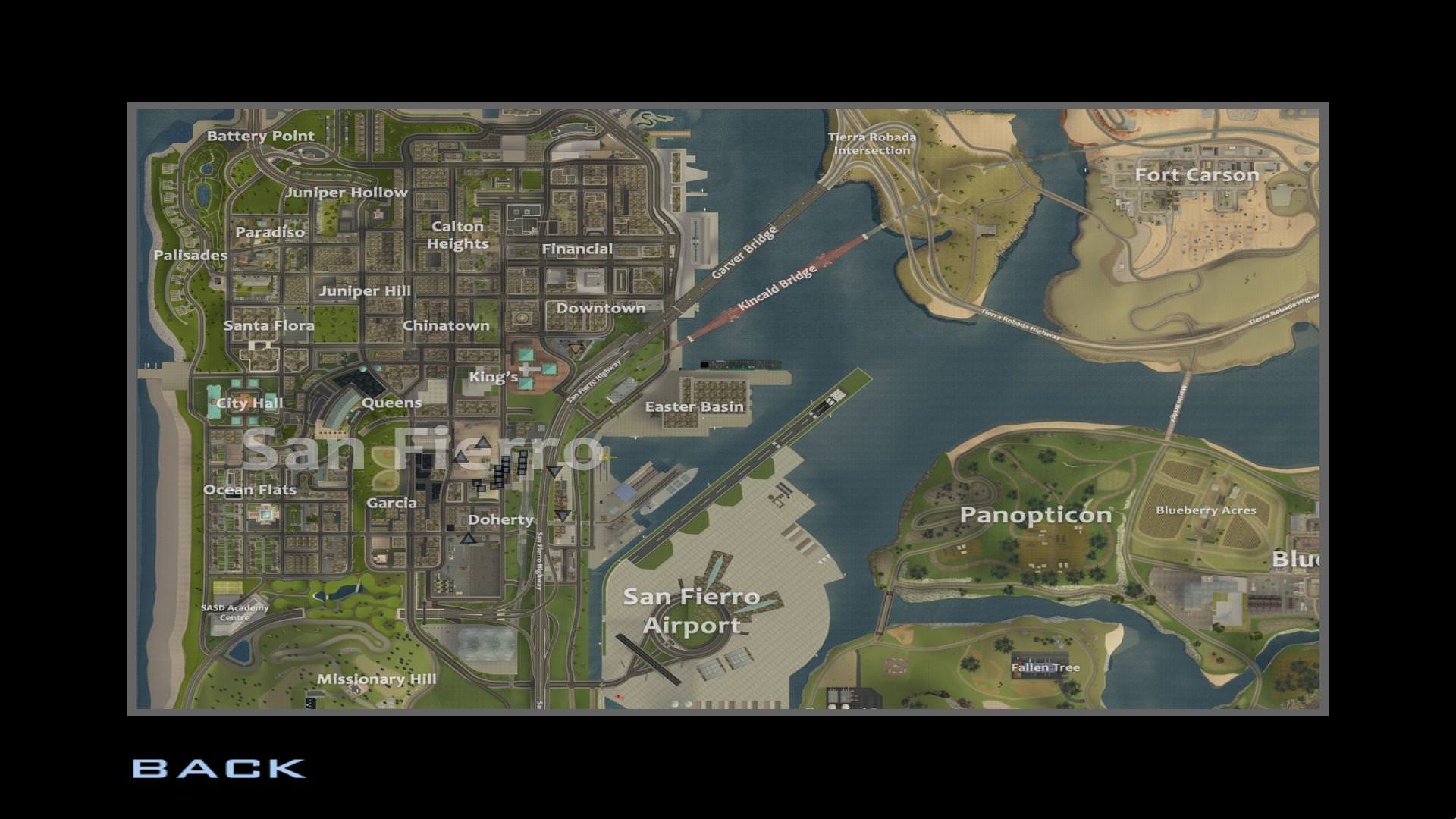 This mod offers the user a high quality, detailed in-game map of San Andreas, with names of famous places and neighborhoods written on it. Click on the pictures on your left for a closer look. As far as I know, almost all San Fierro place names in this mod are in accordance to GTA lore. Installing this is simple and easy, you can either do it through gta3.img or via Modloader. Enjoy.